Admin console
Search, filter, and export activity by date range, mechanic, property, unit, route, and status.
LiftIQ ServiceOps
A QR-based operations workflow for unit records, maintenance checklists, repair backlog visibility, open violations, GPS scan context, PDF reports, and client-ready completion emails.
ServiceOps starts from the platform home, then moves the field user into QR scans, scheduled tickets, maintenance visits, violations, and completion notifications.
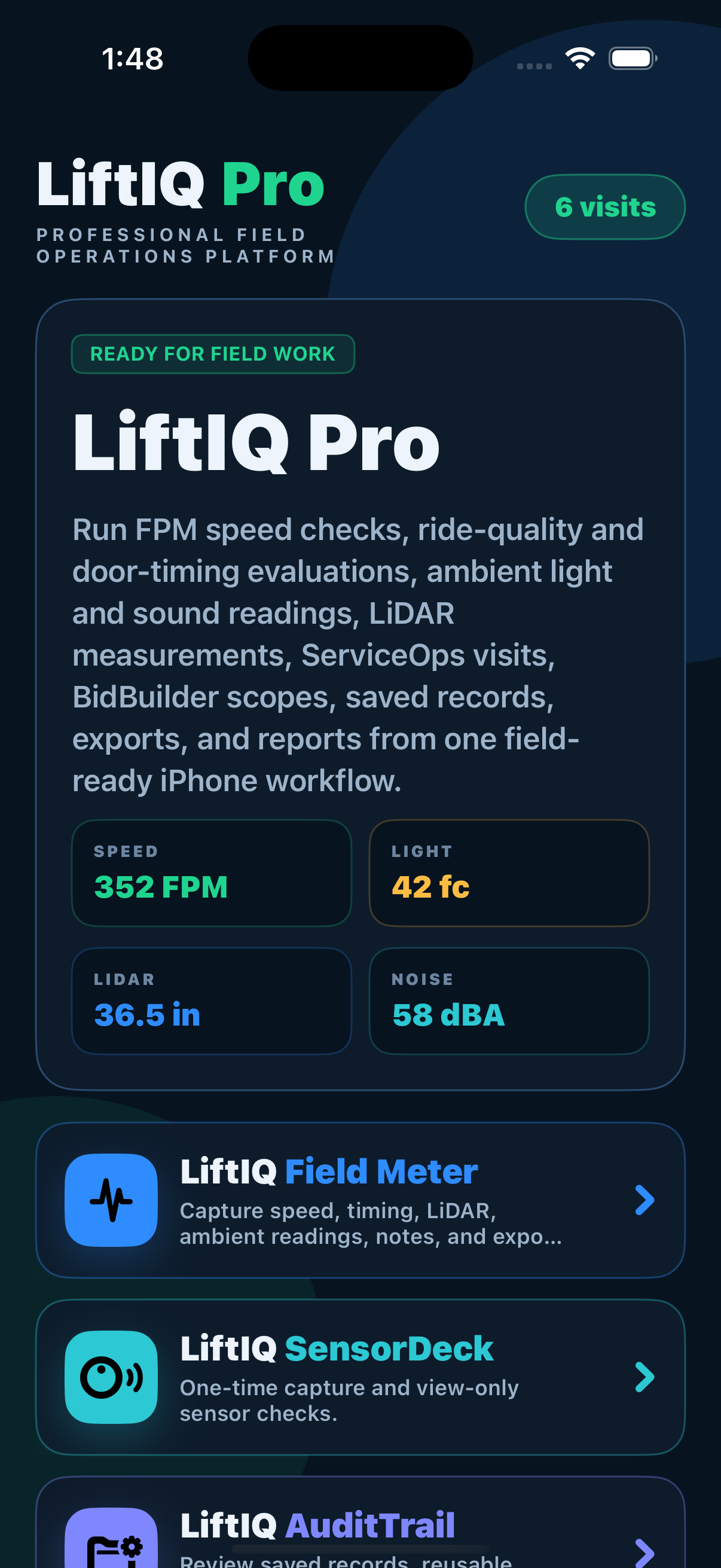
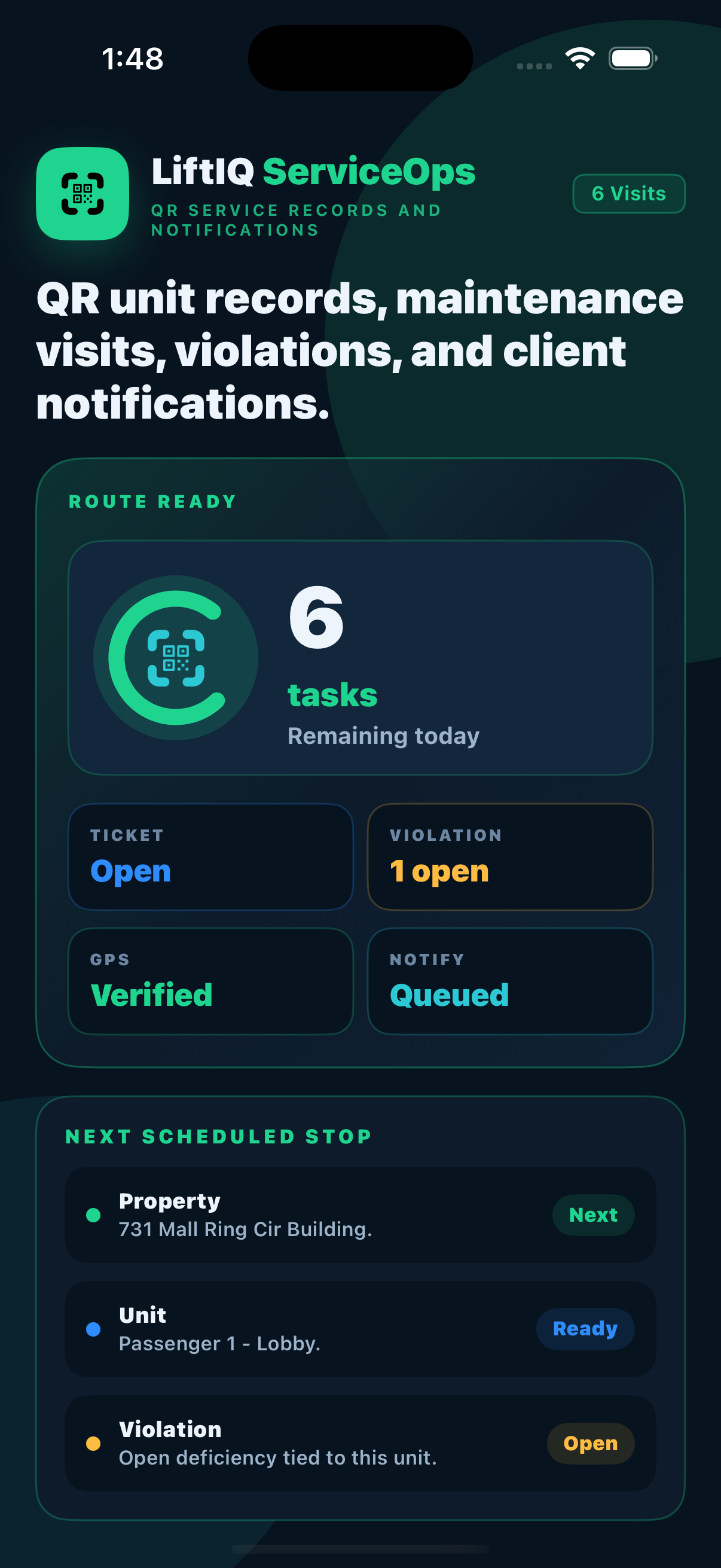
ServiceOps gives the homepage QR workflow its own space: scan the unit, load the correct ticket, show violations and backlog, complete the maintenance record, generate the report, and send the notification.
Open unit data including state number, company unit number, nickname, site location, equipment type, and contacts.
Capture task status and notes under clear Maintenance parent categories.
Show repair backlog items at the unit level, including target hours and actual hours when completed.
Show open violations, days past due, compliance status, issue flags, and deficiency details.
Compare the site location pin and the ticket-scan pin in the admin console map.
Send client-ready completion notifications with PDF attachments and service summaries.
The mechanic gets the correct unit record in the field. Supervisors get searchable proof of work after the visit is submitted. Clients get cleaner completion notices.
The admin console and customer-facing outputs are the operational payoff: cleaner records, better search, stronger proof, and safer notifications.
Search, filter, and export activity by date range, mechanic, property, unit, route, and status.
Show both the property location and where the ticket was scanned for internal review.
Route completion emails to one contact or an entire team with report attachments.
Configure unit database import, QR cards, contacts, routes, reports, and notification rules around your operation.
Run it as an add-on to BidBuilder, or stand it up on its own. Either way you get the full QR maintenance workflow with unlimited users, units, and client notifications — licensed per branch, with the rate stepping down as you add locations.
Layer ServiceOps onto an active BidBuilder license at a reduced per-branch rate — one platform, one bill.
Full QR maintenance operations without BidBuilder — for service teams that just need ServiceOps.
Per-branch pricing with unlimited users — quoted to your operation. Add-on rates are discounted from standalone, and every plan includes the iOS field app and unlimited client notifications.
Each module keeps its own workflow focused, while sharing the same product family for measurements, records, surveys, proposals, maintenance operations, and report outputs.