
Traction MOD Survey
Modernization capture for traction equipment, machine data, fixtures, doors, cab, pit, and hoistway conditions.
LiftIQ SurveyFlow
Unit-first survey capture that auto-fills building and equipment information before the user completes collapsible survey sections, voice notes, photos, and exports.
SurveyFlow appears as a dedicated module from the platform home, then starts the user with unit selection before survey sections, voice notes, photos, and exports.
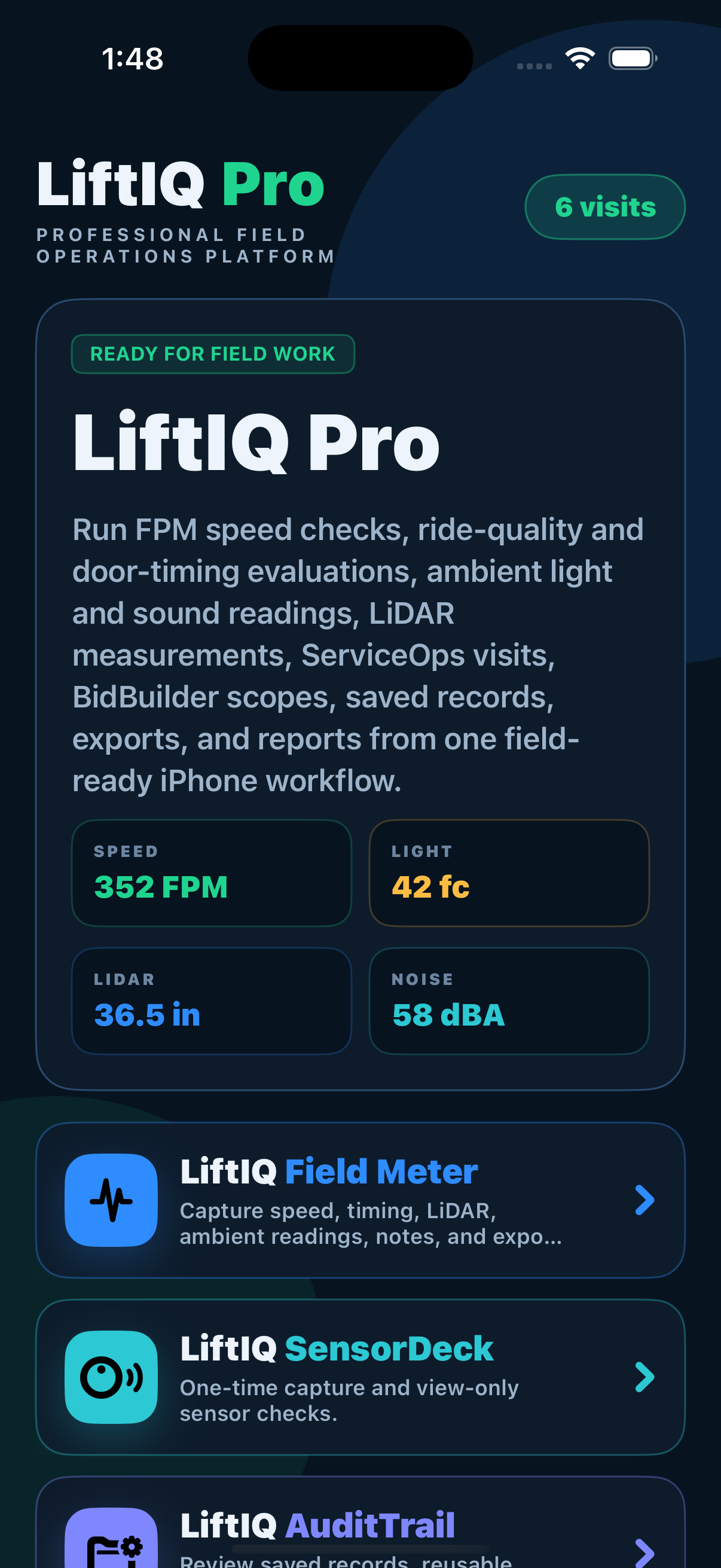
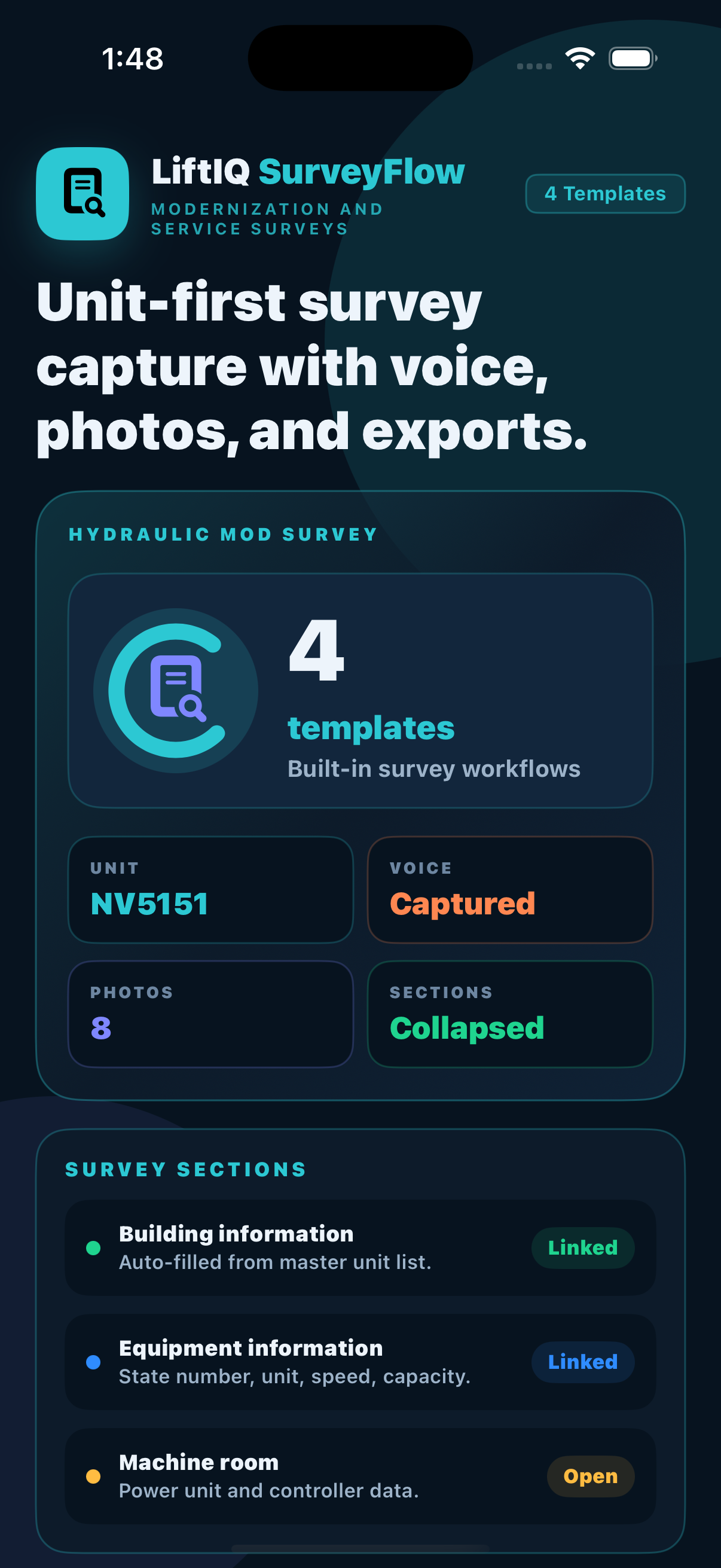
SurveyFlow starts with the selected unit, then fills the applicable building and equipment context so the user can move through the survey instead of retyping known data.
Choose the property and unit before any survey section opens.
Bring in building, equipment type, unit ID, location, controller, and related context where available.
Use audio notes early, then attach observations to the applicable survey sections.
Attach media to machine room, pit, cartop, cab, fixture, hoistway, and related sections.
Keep hydraulic, traction, modernization, and service surveys organized by field area.
Generate cleaner exports that follow the same visual style as LiftIQ audit reports.
The page presents the survey set clearly while the app keeps the user focused on one unit, one section, and one export path at a time.
Names are clear and customer-facing, with source document references removed from the app and website copy.
Modernization capture for traction equipment, machine data, fixtures, doors, cab, pit, and hoistway conditions.
Modernization capture for hydraulic power unit, hoistway, jack, fixture, cab, and site measurement data.
Service survey for traction condition, machine room, controller, car, cartop, pit, and fixture observations.
Service survey for hydraulic condition, controller, power unit, jack, car, cartop, pit, and fixture observations.
Each module keeps its own workflow focused, while sharing the same product family for measurements, records, surveys, proposals, maintenance operations, and report outputs.